01. Getting Started & Selfie Capture
Without barriers like logins, a simple tap on the touchscreen launches the camera. An intuitive alignment guide helps customers take the perfect selfie in just a few seconds.
Simply scroll down to see step by step how a customer uses the Stylistix app at your workstation — live simulated in the iPad cockpit.
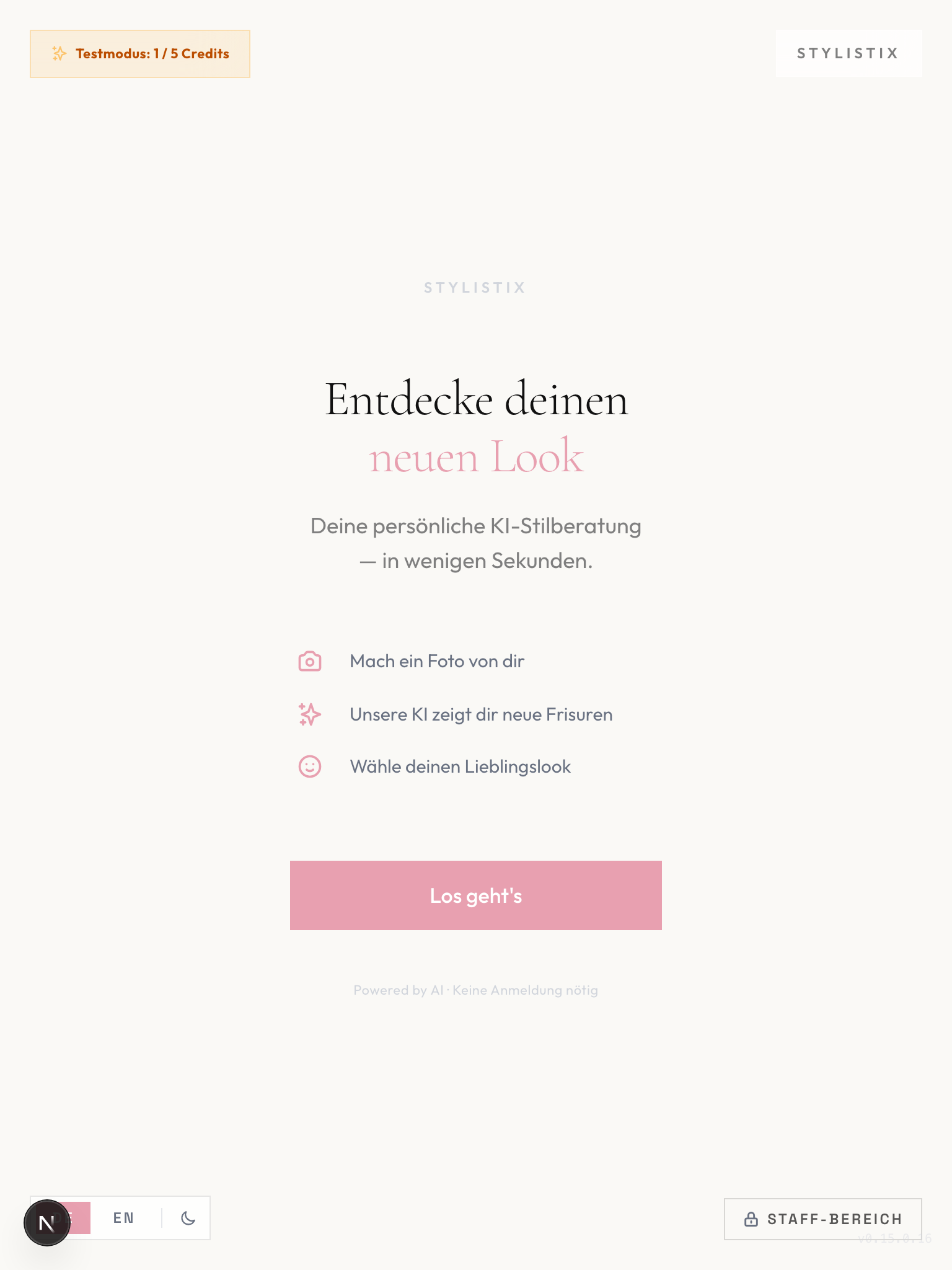
Without barriers like logins, a simple tap on the touchscreen launches the camera. An intuitive alignment guide helps customers take the perfect selfie in just a few seconds.
Customers specify their hair texture to ensure realistic results. The Smart Hair Texture Guard checks feasibility in the background and transparently suggests suitable services.
Customers select up to 5 haircuts, colors, and styles from a catalog. A free text field also allows individual prompt requests to be appended to the AI pipeline.
Photorealistic generation on our server takes less than two minutes. Care tips and exclusive salon highlights shorten the customer's waiting time right at the station.
Customers see the photorealistic hairstyles on the display, select favorites, and transfer them to their smartphone via QR code — ideal as a visual reference during the haircut.
Secure your no-obligation trial access directly in your salon and inspire your customers with photorealistic hairstyle visualization.
[ Request Free Trial Now ]